With DxO PureRAW 6*, DxO now introduces the sixth evolutionary stage of its specialized AI-driven RAW preprocessing software. According to DxO, this release focuses on three key innovations: DeepPRIME XD3 for Bayer sensors, highly efficient DNG compression, and AI-powered dust spot removal. In addition, special emphasis was placed on noticeably accelerating batch processing.
Here are the four main new features of Version 6, according to DxO, in detail:
DeepPRIME XD3 is now also available for Bayer sensors
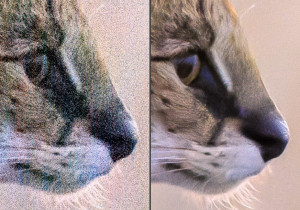
The most important innovation concerns the image quality itself: DeepPRIME XD3 is no longer reserved for X-Trans sensors, but is also available for cameras with Bayer sensors - in other words, for the majority of all current systems.
The progress is particularly evident in difficult shooting situations:
- High-ISO shots with visibly less noise
- Night and available light photography with clearer details
- Landscape and architectural shots with the finest texture rendering
DeepPRIME XD3 combines intensive noise reduction with precise detail reconstruction. Fine structures are preserved, colors appear natural, and images gain clarity without appearing artificially oversharpened. For photographers who want to get the most out of their RAW files, this means more flexibility in post-processing - from subtle fine-tuning to large-format output.
Significantly smaller DNG files with full RAW power
Another highlight is the new high-fidelity DNG compression. The generated DNG files are up to four times smaller than uncompressed versions - while maintaining RAW quality.
In practice, this means:
- More images on SSD and archive storage
- Faster backups
- More efficient work with large projects
This is a real advantage, especially for event, wedding, or sports photographers who shoot large volumes of images. Storage space is no longer a limiting factor in the workflow.
AI-supported sensor spot removal for entire series
Dust on sensors is a common problem, and it can be a major pain when shooting with closed apertures. PureRAW 6 now automates this step using artificial intelligence.
The software now automatically detects and removes sensor spots, even in extensive image series. The cleaning threshold can be set individually.
This saves valuable time, especially during landscape or studio sessions with many shots. Manual retouching of each individual file is no longer necessary, without compromising image integrity.
Faster processing through batch parallelization
Version 6 also delivers when it comes to speed. Thanks to new batch parallelization, the next image is already being prepared while the current one is still being processed.
The result:
- Higher throughput
- Smoother workflow
- More efficient use of modern hardware
For professional workflows involving hundreds or thousands of files per project, this represents a clear productivity gain.
Fazit: Ein konsequenter erster Schritt im RAW-Workflow
DxO PureRAW 6 sharpens its profile as a specialized quality booster before the actual image editing begins.
With DeepPRIME XD3 for Bayer sensors, drastically reduced DNG file sizes, automatic sensor spot removal, and faster batch processing, the new version clearly targets photographers who want to get the absolute most out of their RAW files - both technically and in terms of workflow.
For ambitious image makers who expect the highest level of detail fidelity and efficiency, version 6 represents a noticeable step forward.
Theory and practice
All of this sounds very promising in DxO’s press release. However, how does the new version truly compare to the previous version, which was already quite impressive?
Furthermore, Adobe Lightroom Classic, the image editing and management program I have been using for several years, has already integrated a useful AI noise reduction feature. What added value does the additional development step with PureRAW 6 offer?
That’s why I took a closer look at PureRAW 6 from these perspectives. In the following review, I focus only on the new features in version 6. I have already described the basic functionality of PureRAW in my detailed review of the previous version, PureRAW 5, and it has not changed significantly.
What does the new DeepPRIME XD3 offer?
For this test, I have chosen a photo of a majestic lion taken on New Year’s Day 2022 in the Masai Mara in Kenya. The photo was taken with the Canon EOS R5, my 400 mm f/2.8 at its widest aperture and in low light in the early morning before sunrise, so I had to increase the ISO value to 12,800. Here is the edited original, but not yet denoised. I have reduced it to an image width of 2048 pixels for display purposes:
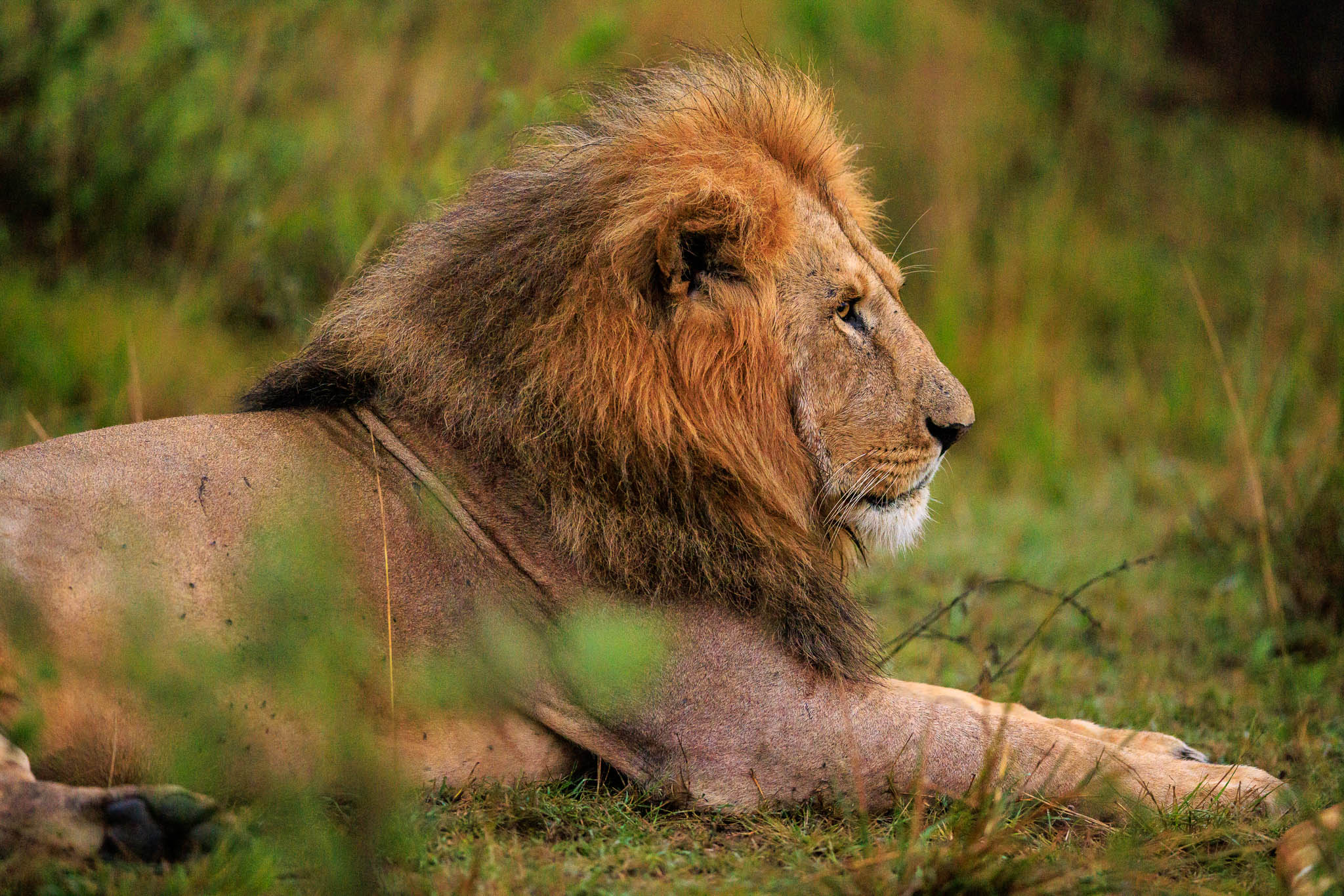
I then denoised the image using both the “Denoise” AI process integrated in Lightroom Classic and PureRAW 6 with the new DeepPRIME XD3 algorithm. I used the default settings for both programs. In Lightroom Classic, the Denoise slider was set to 50 in the default settings:

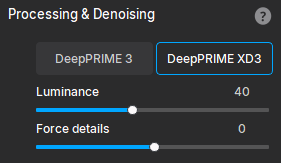
For PureRAW 6, these were the default settings:
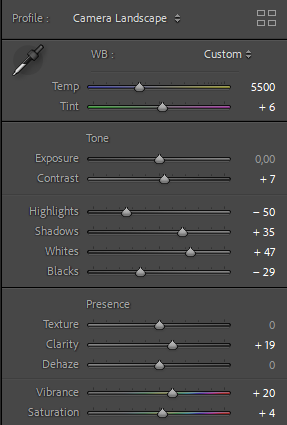
To ensure better comparability, I disabled all other corrections in PureRAW. The images were then developed using the identical settings in Lightroom Classic:
cHere is a comparison of noise reduction using PureRAW 6 with DeepPRIME XD3 and the AI noise reduction integrated into Lightroom Classic V 15.2. On the left you can see the result from Lightroom Classic, on the right those from DeepPRIME XD3:
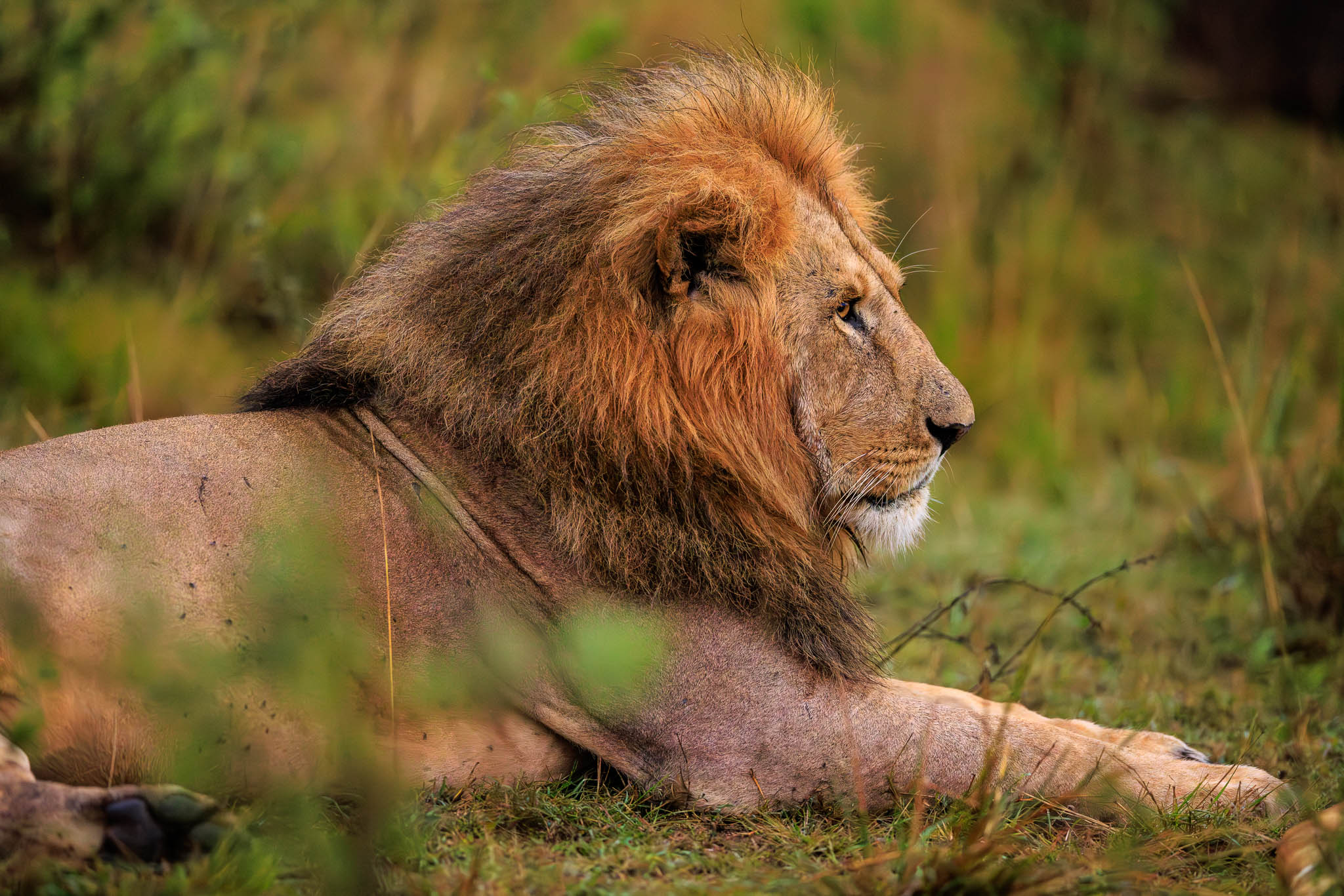
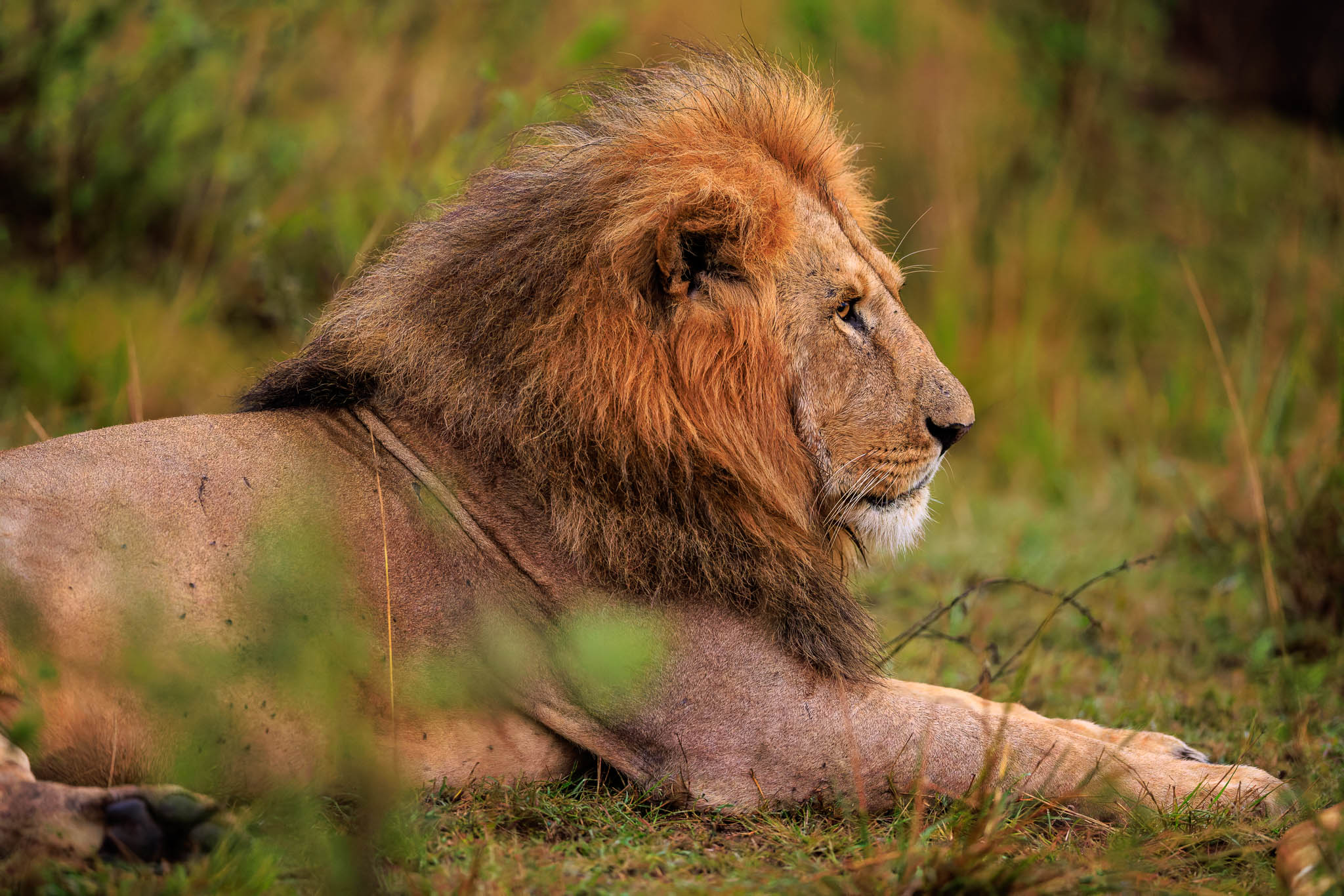
What, you can hardly see any differences between the photos?
I actually feel the same way about the reduced images. Even the reduced and not yet denoised original still looks quite usable. This is because reduction is already a very effective form of denoising. Several sensor pixels are combined, which partially compensates for the randomly distributed noise artifacts.
The situation is different in the approx. 100% crops. Here is another small section from the original image without noise reduction:
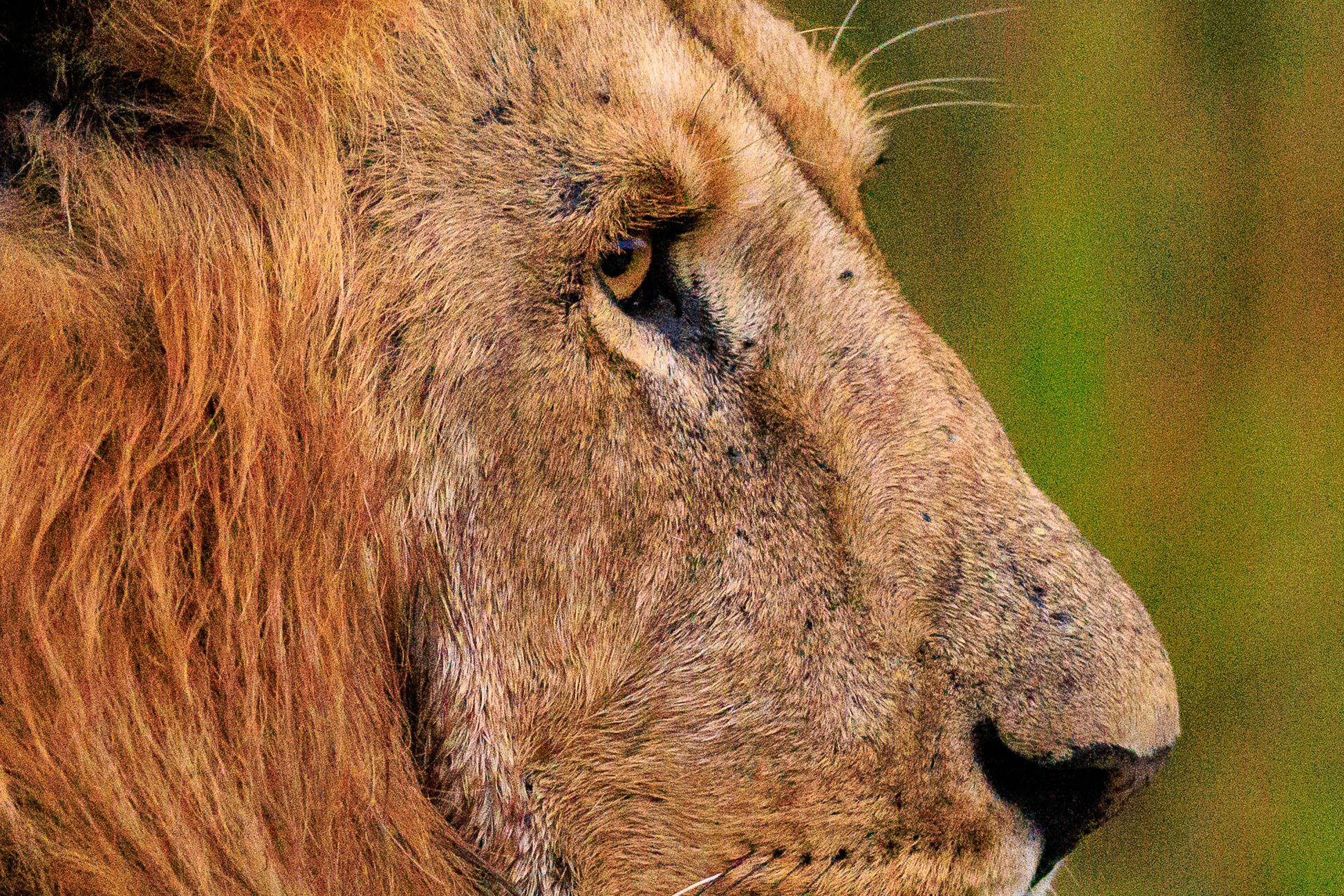
Here, the strong noise is very clearly visible, as is to be expected with a high ISO setting of 12,800. How do the two AI-based noise reduction methods perform? Here is a comparison of Lightroom Classic and DeepPRIME XD3 in the cropped image:
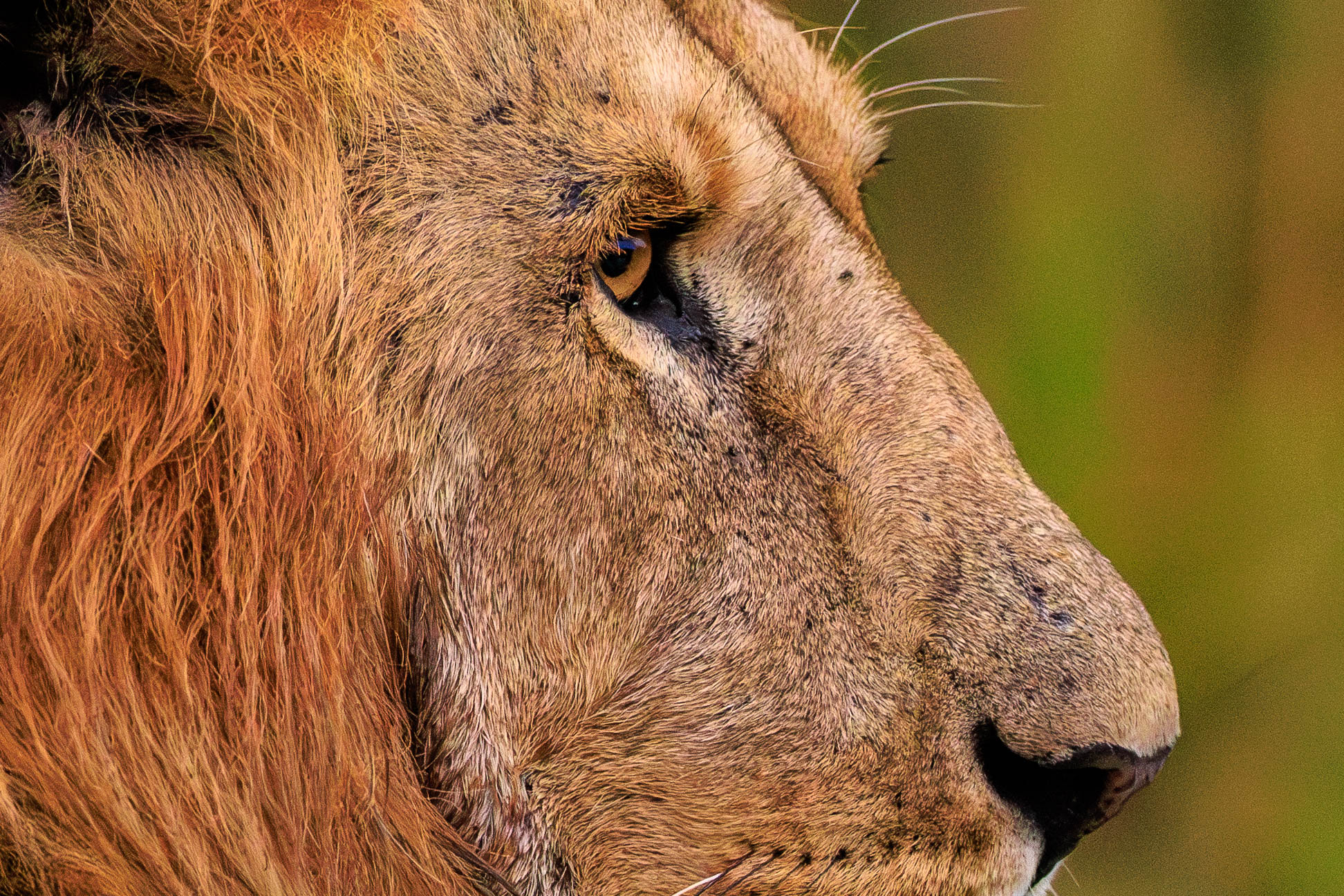
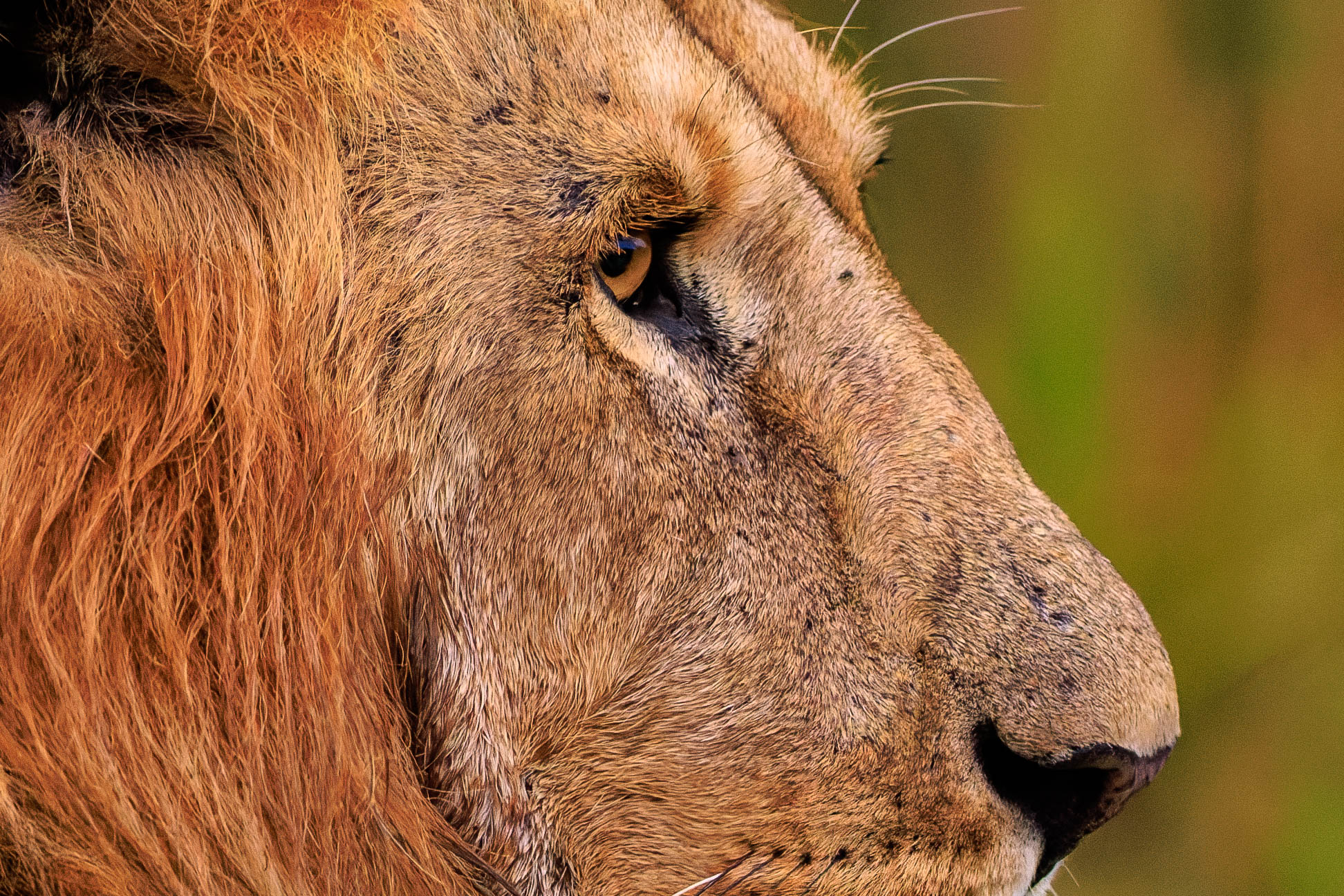
And for comparison, here is a side-by-side comparison of DeepPRIME 3, as previously available in PureRAW 5, with the new DeepPRIME XD3:
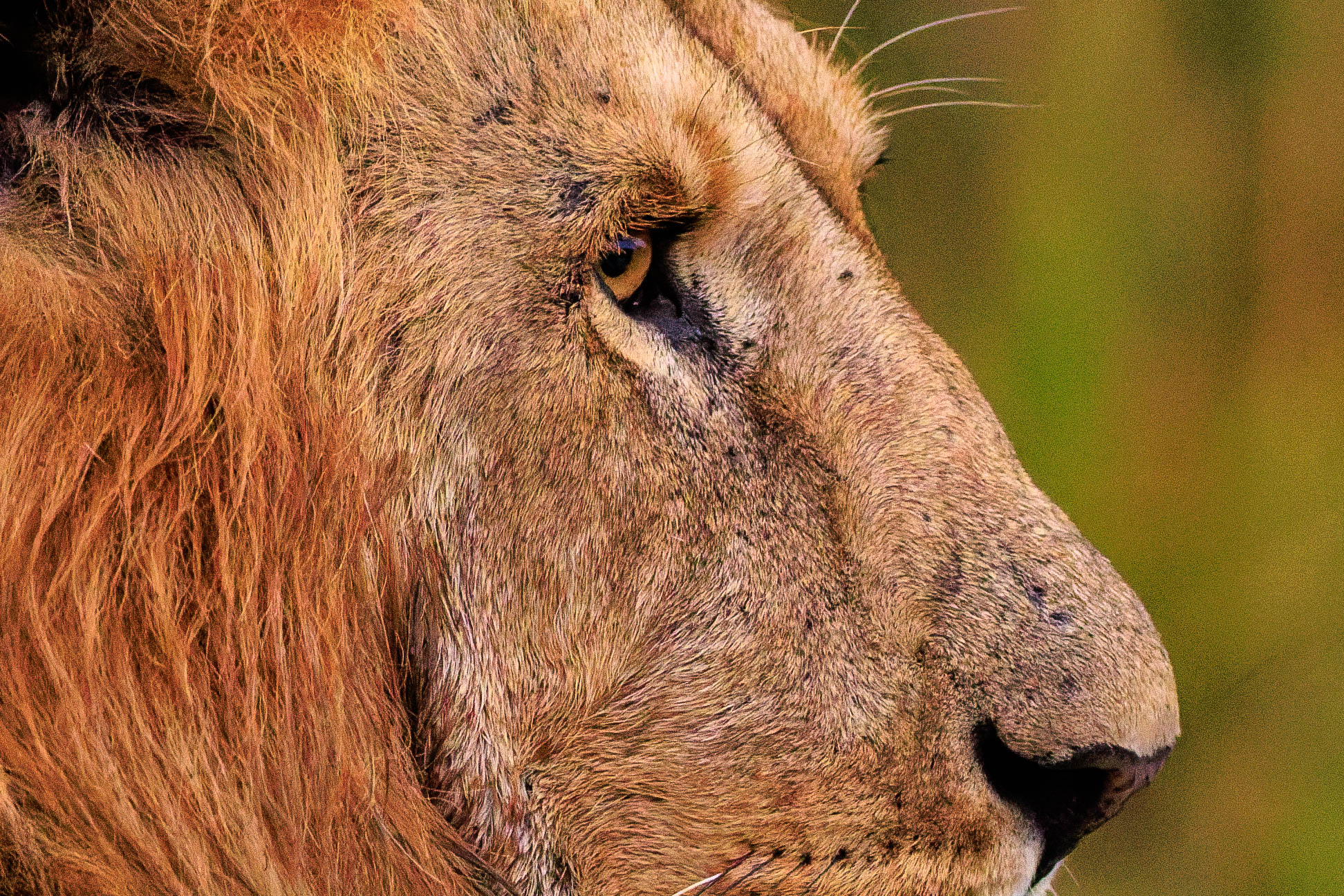
All results are amazingly good. Upon closer inspection, however, DeepPRIME XD3 shows slightly better results than DeepPRIME 3 and Lightroom AI. Background noise, in particular, is better controlled, and when moving the comparison slider around, it is noticeable that the DeepPRIME XD3 image shows slightly better color differentiation despite identical development parameters. I would estimate the gain in noise reduction to be about 1 f-stop.
Size of files
DxO has also implemented a new compressed DNG format in PureRAW. What this format achieves is truly impressive. Here are the sizes of the individual files:
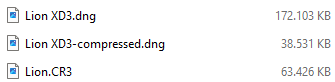
The original file of the lion shown in this article in Canon .CR3 RAW format is approximately 63 megabytes in size. In standard mode, PureRAW converts it into a huge linear DNG file with 172 megabytes. With the new compressed process, however, the resulting DNG file is even significantly smaller than the original CR3. This is a truly amazing result. According to DxO, this is a lossy compression, so does the image quality suffer as a result?
Surprisingly not, as the following comparison shows. On the left, you can see the standard DNG file, and on the right, the “High Fidelity” DNG file:
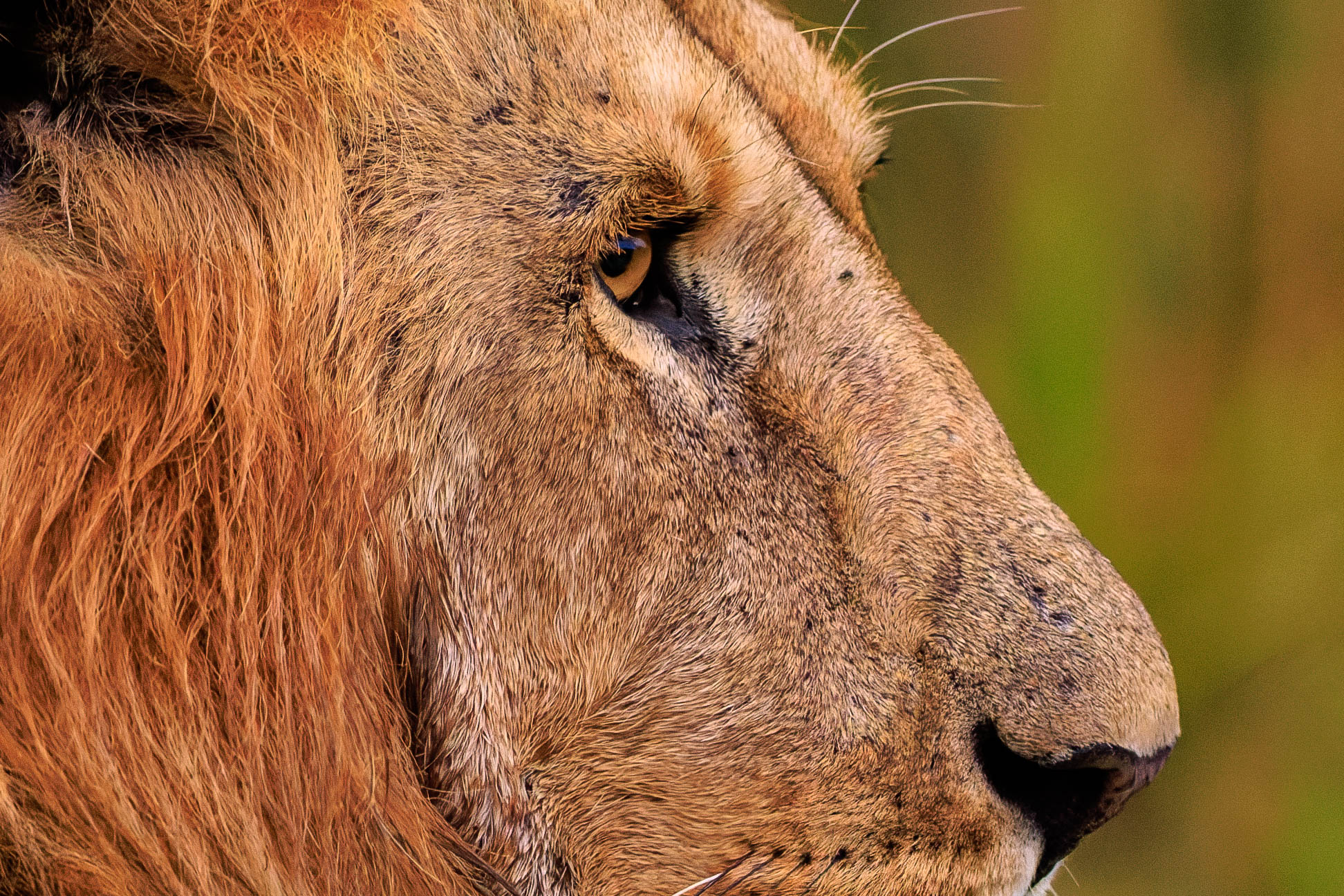
I really can’t see any difference between the two pictures!
However, there is one small caveat to the new format:
According to DxO, the format is fully compatible with the DNG specifications published by Adobe. It can also be displayed and edited without any problems using Adobe applications and several others that I have tried.
However, Windows 11 itself cannot cope with this, as can be seen, for example, in the Explorer view with large icons:
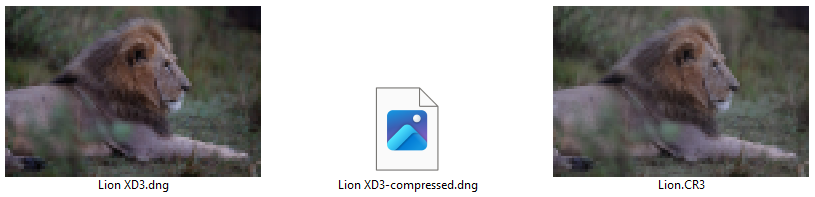
Instead of an image, which is the case with other RAW formats, only a universal placeholder is displayed. Displaying the image using the Windows Photo Viewer integrated in Windows 11 also fails:
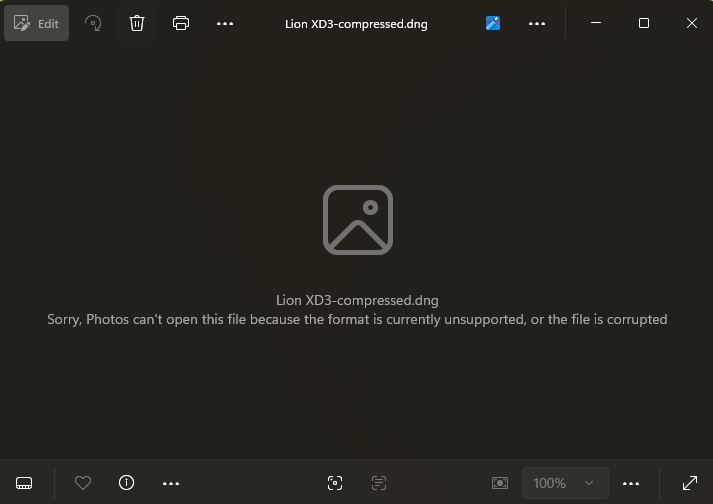
All that remains is to wait for a Windows update.
Sensor spot removal
Another new feature in PureRAW 6 is integrated AI-powered sensor spot removal. Lightroom Classic version 15.2 also offers a similar feature. Sensor spots are caused by tiny dust particles on the image sensor, but they usually only appear at small apertures (11 and smaller) and on reasonably homogeneous surfaces (usually in the sky).
cI must admit, however, that I rarely have problems with sensor spots, as I usually work with relatively large apertures and keep my sensor meticulously clean. Until now, I have manually removed any sensor spots that have occurred using Lightroom’s repair brush  , which was actually relatively quick and easy to do and could also be applied to subsequent images without any problems.
I therefore had to search through my image archive to find suitable sample files. I was particularly curious to see how Lightroom’s new automatic dust removal feature would perform in comparison to PureRAW 6, as I had not yet used it before.
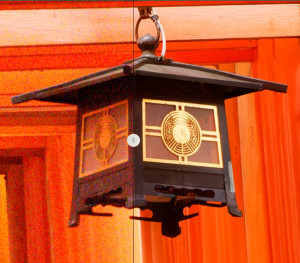
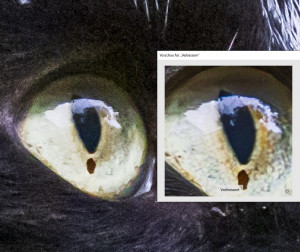
I found two examples. The first image shows a small section of a sky that I photographed with an aperture of 32. Looking closely, I can see five sensor spots on it:

I then used PureRAW 6 and Lightroom Classic to remove noise and dust from the image. In PureRAW 6, I initially left the dust removal preset at 20:
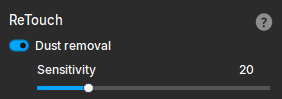
cHere is a comparison of the results from Lightroom Classic (also with the default settings unchanged) and PureRAW 6.


To be honest, I don’t see any effect with PureRAW 6, while LightRoom recognizes all five spots very well and removes them without a trace.
I therefore tried PureRAW 6 again with a different image. This time, I increased the sensitivity to 50:
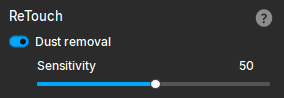
Here is the test image I took with an aperture of 11. It now shows three slightly larger sensor spots:
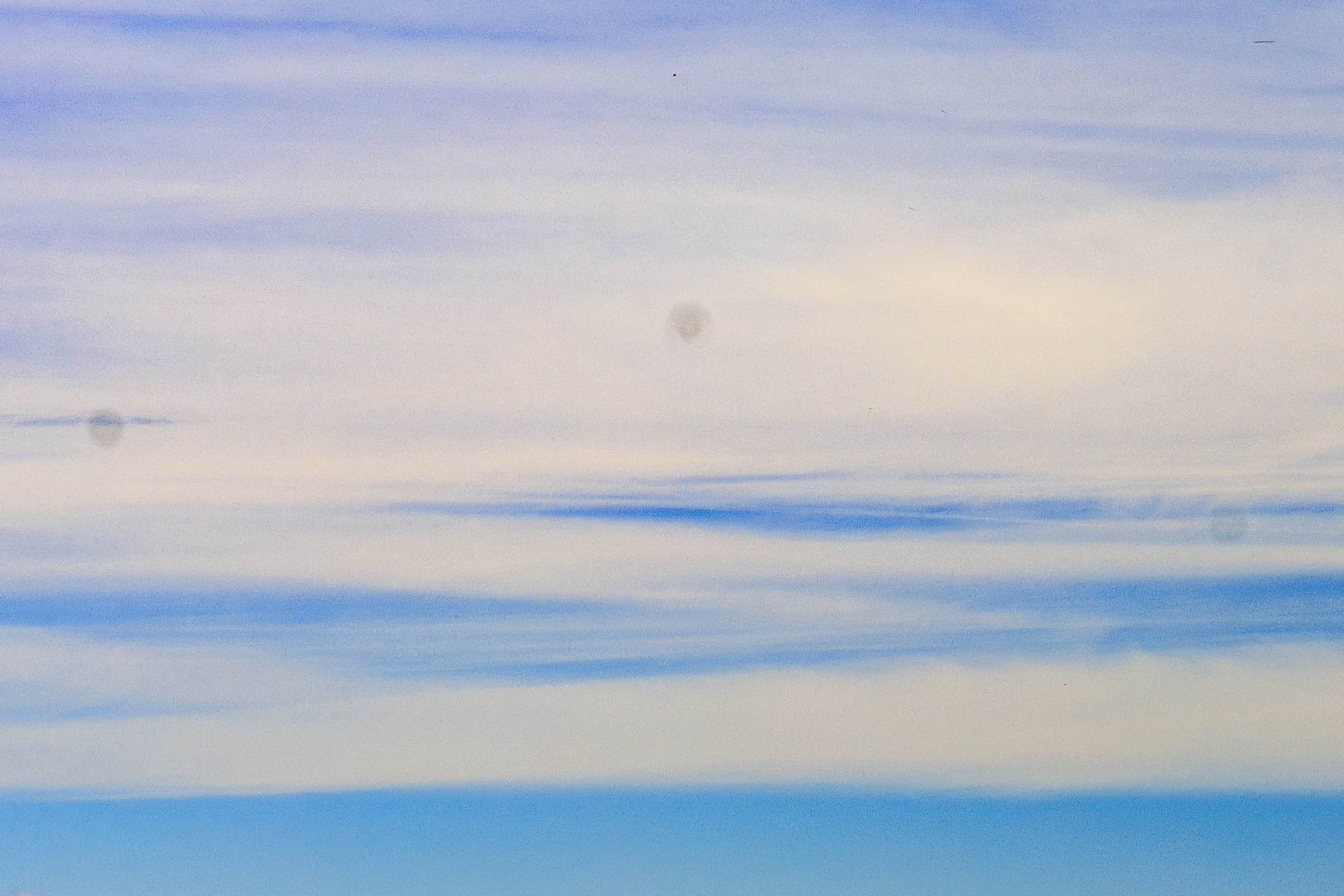
By the way, the size of the sensor spots changes with the aperture setting. The smaller the aperture, the smaller (and darker) the spots appear. In a direct comparison, PureRAW 6 performs slightly better here, but still doesn’t match the results achieved by Lightroom Classic. If you look closely, the sensor spots are still visible as shadows in DeepPRIME 6, while Lightroom Classic has removed them completely:


On this occasion, I had the images processed in PureRAW 6 on my desktop workstation. This is a tower computer with an AMD Threadripper 2950x 16-core/32-thread processor, 64GB of memory, and a Geforce RTX 2080 Ti. Admittedly, the computer is already more than 6 years old, but it is otherwise quite powerful.
Nevertheless, noise reduction with DeepPrime XD3 and removal of sensor spots took a full 5 minutes at full graphics card load! The corresponding processing in Lightroom Classic, on the other hand, took about 20 seconds each time.
Anyway, long story short: if you already have the latest version of Lightroom Classic, you don’t need PureRAW 6 for automatic sensor spot removal!
Speed
The processing speed—especially when batch processing multiple files—is also said to have been improved in the sixth version of PureRAW. To test this, I selected a series of photos of a pelican with 20 RAW images from my Canon EOS R5 Mark II. They were taken last spring at Duisburg Zoo. Here is an example image:
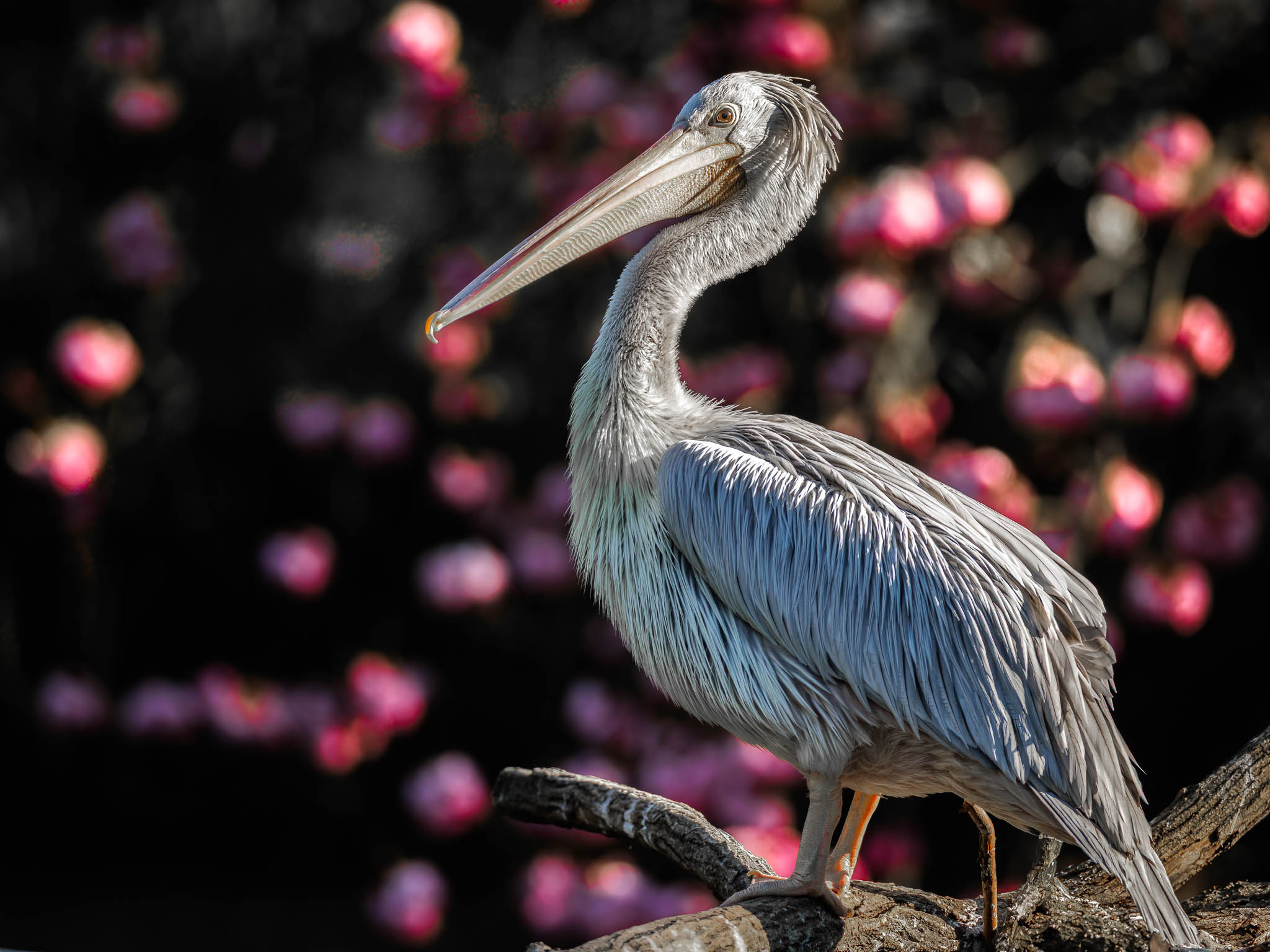
The images are all similar to the one above. In total, the 20 .CR3 files from my Canon EOS R5 Mark II used for the test were in total 744MB in size, meaning that a single image was around 37MB.
I then denoised them one after the other using different settings in PureRAW 6 and, for comparison, also with the previous version 5. To do this, I again used my laptop with an Intel i9-11980HK CPU (8 cores, 16 threads), 64GB of main memory, and an integrated Geforce 3080 RTX with 8GB.
The exact results can be found in the following table:

In fact, PureRAW 6 with the same settings as DeepPRIME 3 in batch mode is now almost 30% faster than its predecessor. The new noise reduction with DeepPRIME XD3 is apparently much more demanding, requiring more than twice as much time as DeepPRIME 3.
I am particularly impressed by the high level of compression achieved with PureRAW 6 for high-fidelity DNG files: in this example, the DNG files were compressed by an incredible amount of 87%! The resulting DNG files are even almost three times smaller than the original .CR3 files from my Canon EOS R5 Mark II!
However, I must admit that the image I chose is also very well suited for compression, as the background is mostly black.
Resumée
Well, better is the enemy of good, as the saying goes.
In fact, the new DeepPRIME XD3 extracts even more detail from high-ISO images than its predecessor and also than the AI process integrated in Lightroom Classic. In my comparisons, I would estimate the improved noise reduction to be about 1 f-stop gain. This means that an ISO 12,800 image denoised with DeepPRIME XD3 appears to have similar noise levels to an ISO 6,400 image denoised with the other methods.
However, it must be admitted that the results achieved by Lightroom and the older DxO methods are already very good and, in many cases, certainly more than sufficient. However, the new, more complex method also requires more computing power. On my laptop with an 8-core Intel CPU and GeForce 3080 RTX graphics card, it took me about 10-20 seconds to denoise the images shown using DeepPRIME XD3, while Lightroom and DeepPRIME 3 took roughly half that time.
However, this may look completely different on other computers. Basically, AI processes rely on sufficiently powerful graphics hardware. Without this, and using only the CPU, you will have to wait several minutes for each image.
Whether the new features in PureRAW 6 are worth upgrading from the previous version, or whether it is even necessary to use PureRAW if you already have Lightroom Classic, is something everyone must decide for themselves.
Another aspect to consider when choosing an AI denoising program is its support for different camera models. At DxO, the algorithms are specifically tailored to individual camera models, which have been carefully calibrated in the DxO laboratories. This ensures that optimal results are always achieved. However, if you use a camera that DxO does not (yet) support, PureRAW 6 will not be able to process the files. It is therefore important to check the list of supported camera models at DxO* before using PureRAW 6. For example, DJI action cameras such as Action 4 to 6 or the Osmo 360 are currently not supported.
Lightroom Classic takes a different approach here. In addition to the proprietary RAW formats of most popular cameras, it also accepts almost all files in DNG format without requiring any special integration. Therefore, Lightroom is more likely to be able to handle DNG files from more exotic cameras.
But you can check it out for yourself anytime: just download a trial version of RureRAW 6 (right here at DxO*) and try it out with your own photos. DxO is super generous and lets you test its programs for 14 days without any restrictions.
In any case, I’m glad that DeepPRIME XD3 allows me to get that little bit more out of my critical high-ISO images - even if I’m sure I’ll only need to do so on rare occasions.
A very welcome addition is the significantly more compact file format. The gigantic files of the previous versions took up a lot of space on the hard drive. I am even considering converting all my future .CR3 files to compressed DNG files with DeepPRIME XD3 in the future to save hard drive space…
I’m not yet really convinced by PureRAW 6’s automatic dust removal feature.
Prices and availability
DxO PureRAW 6 is available on the DxO website for download* at the following prices:
- DxO PureRAW 6: 129,99 €
- DxO PureRAW Upgrade from Version 4 or 5: 79,99 €
*= AffiliateLink